Quick answer
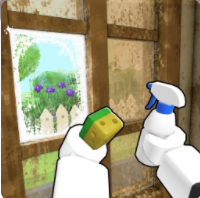
Start by clearing trash, then clean every room, add furniture only after the house is sellable, accept a practical buyer offer, and reinvest into tools before chasing expensive decoration. Official Roblox metadata identifies Flip a House as a Simulation / Incremental Simulator by Increates House.
Official video
Official gameplay guide video
In-game screenshots
Current build screenshots
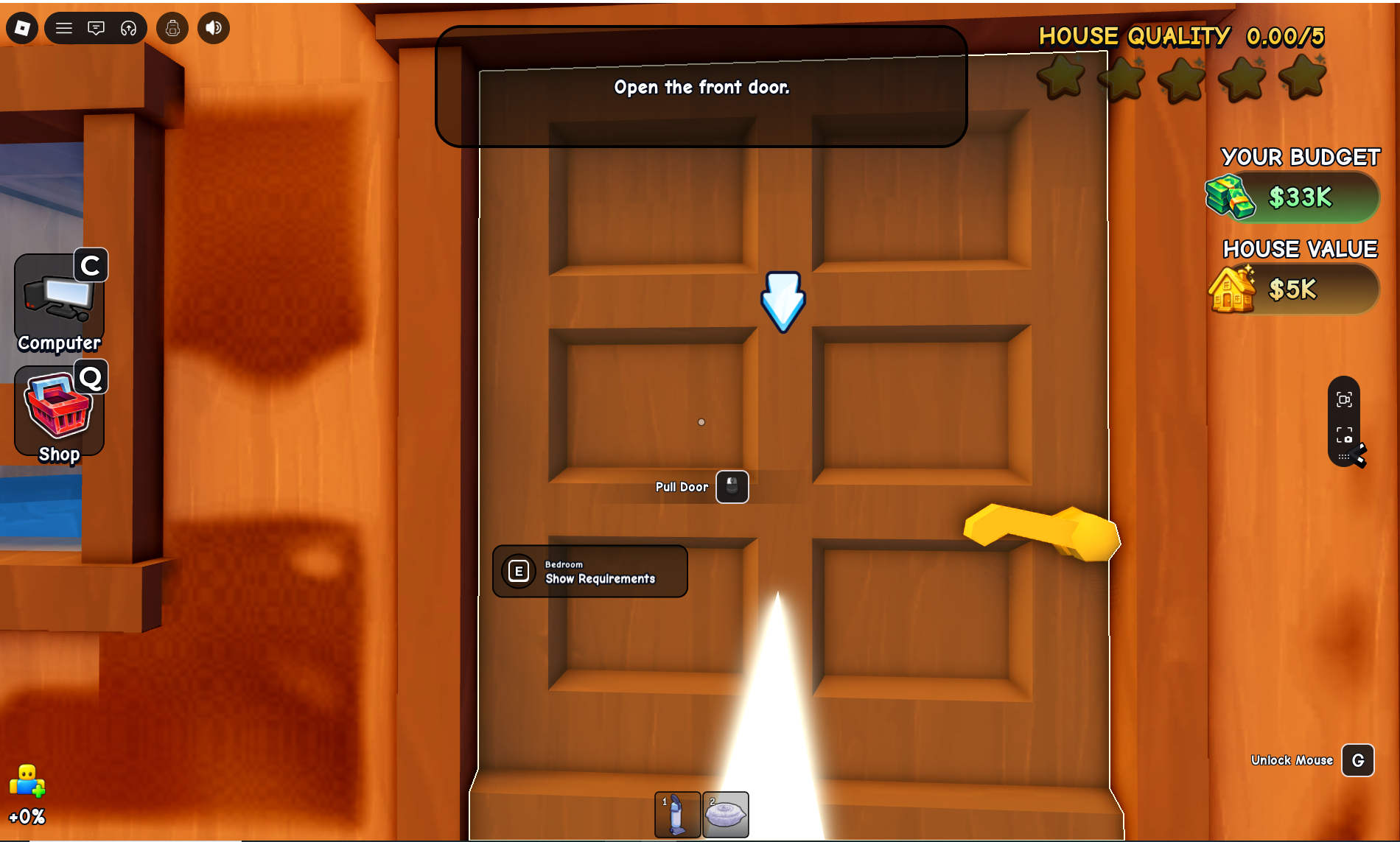
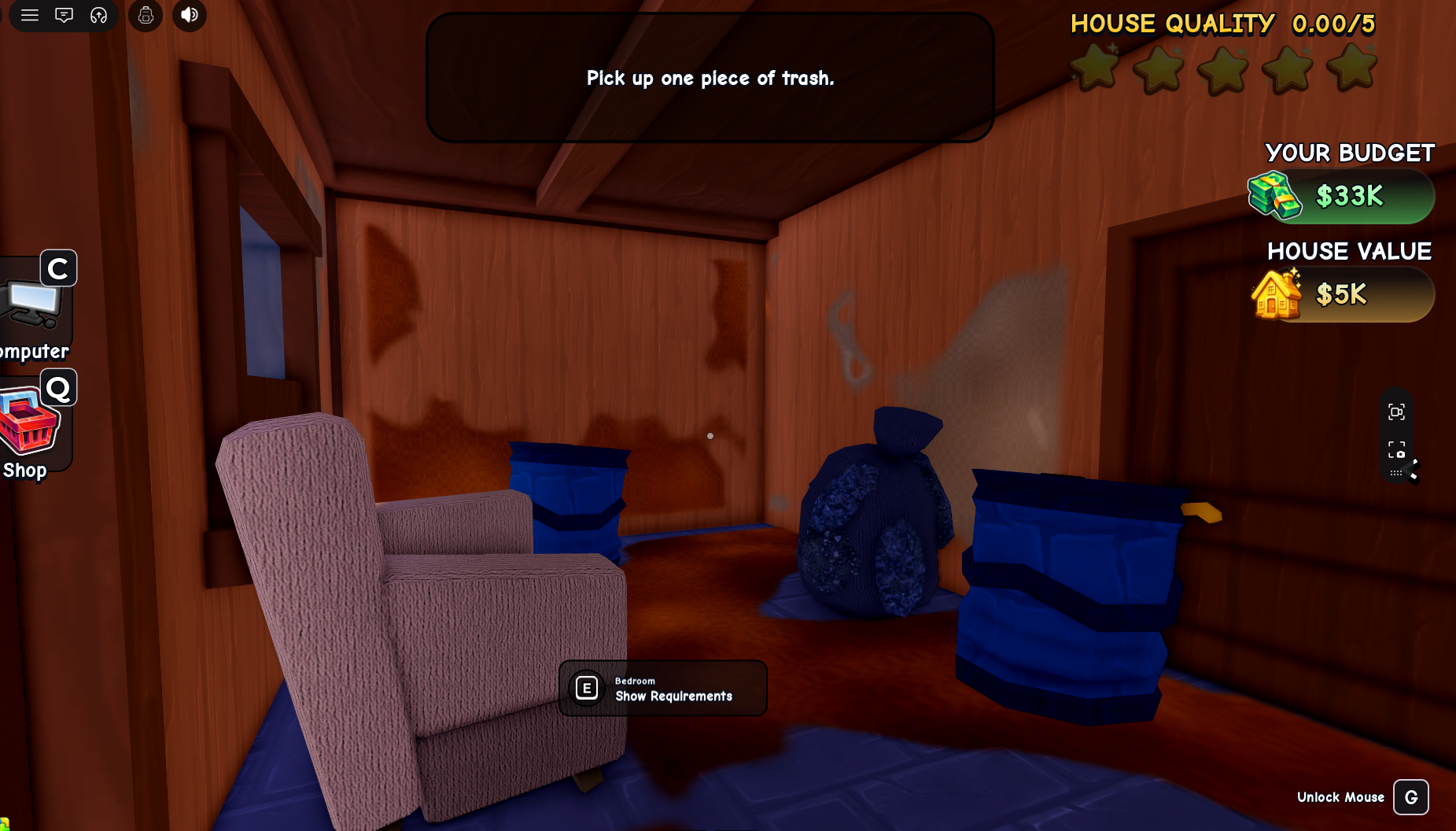
Start with the primary capture, then use the supporting grid below to verify details. Screenshots are evidence for claims, not decoration.
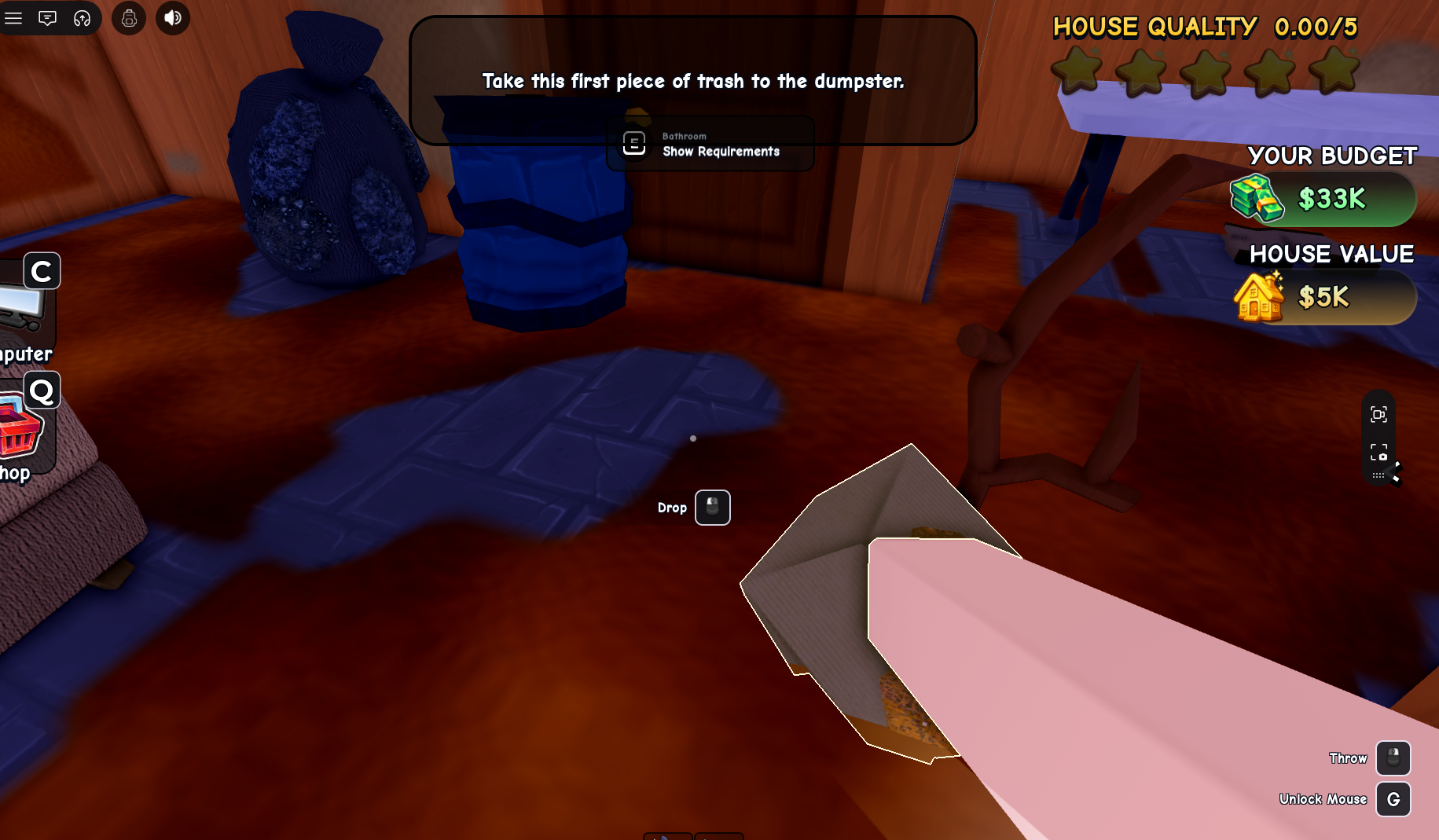
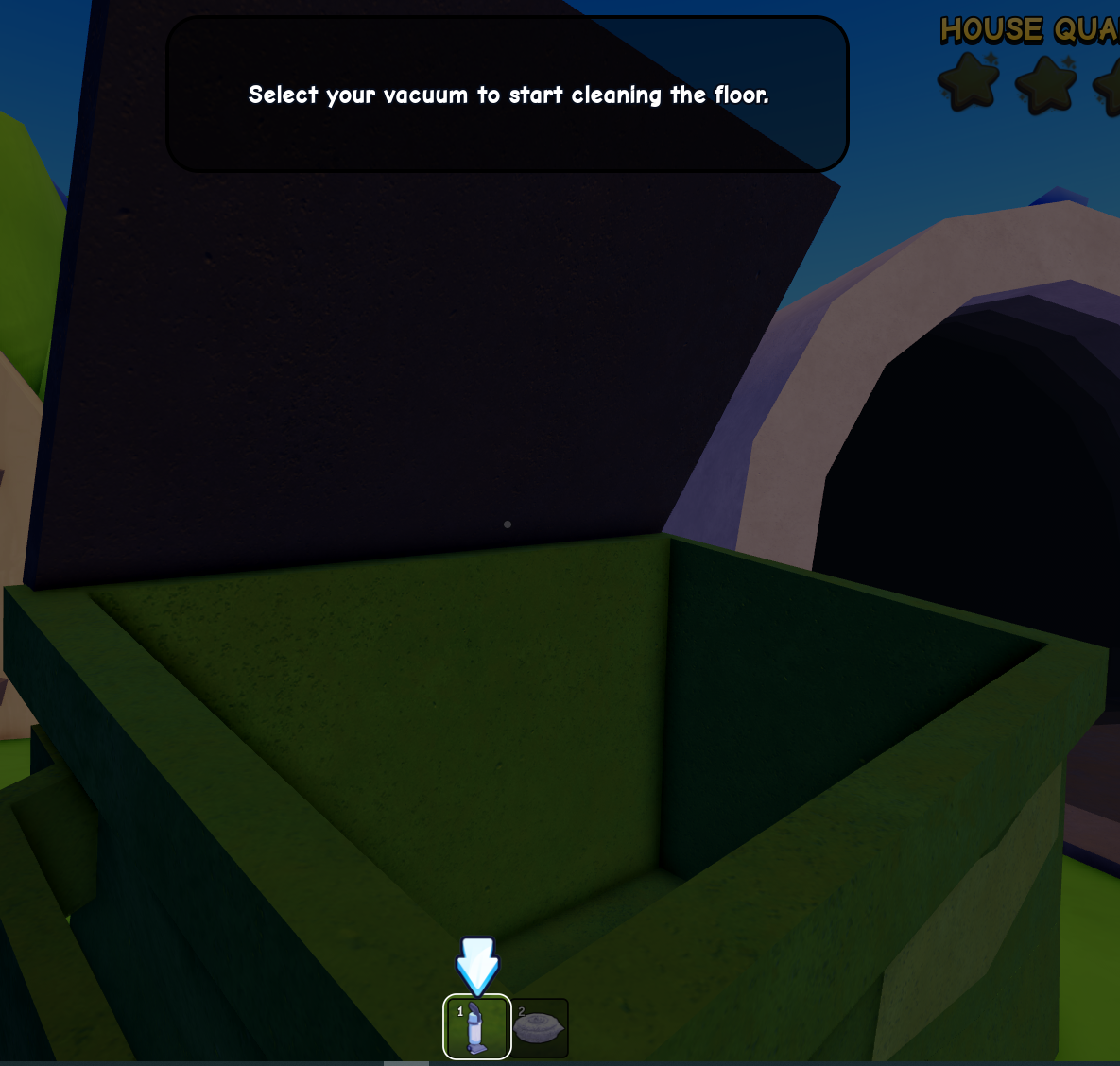
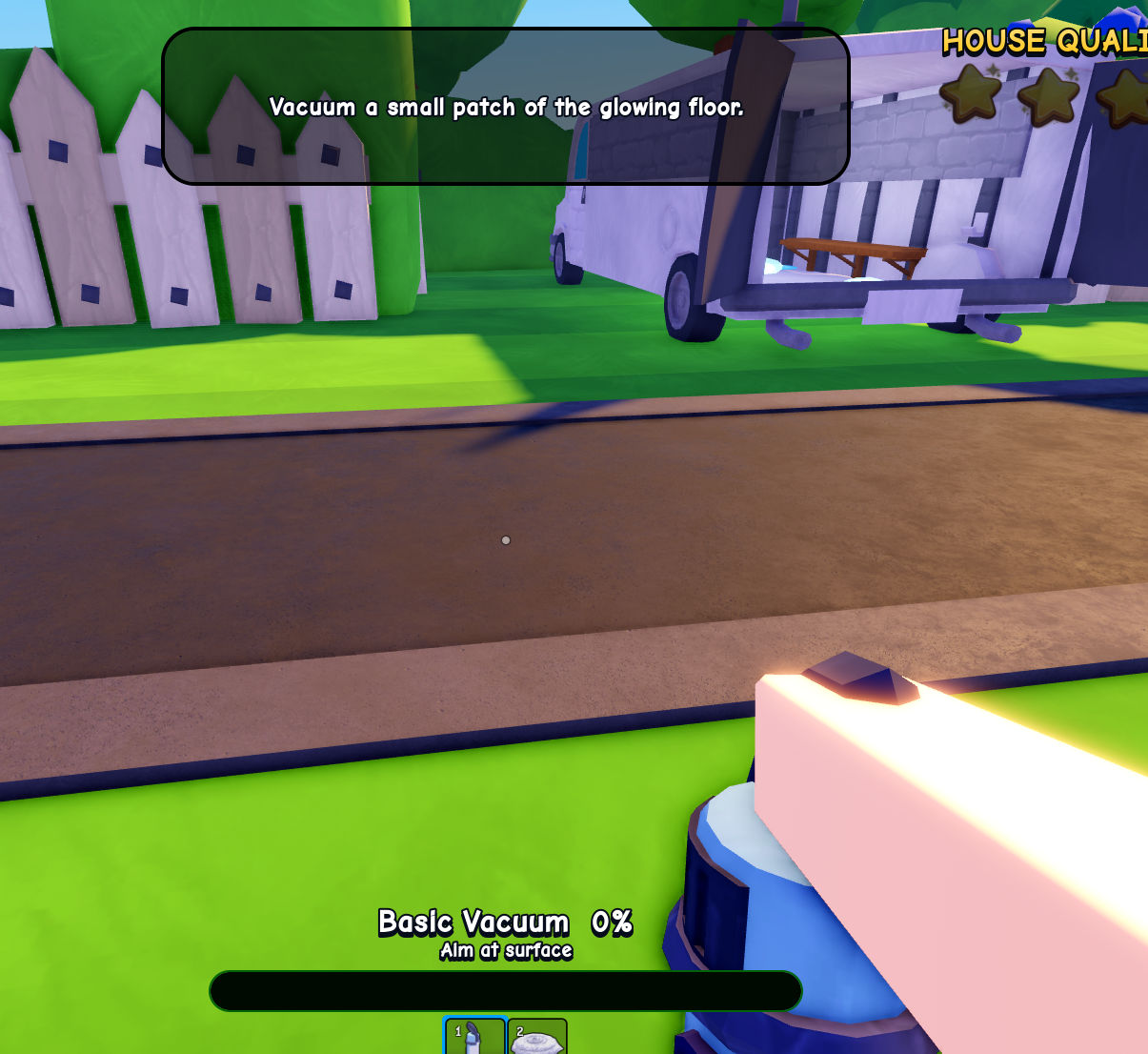
What Flip a House is
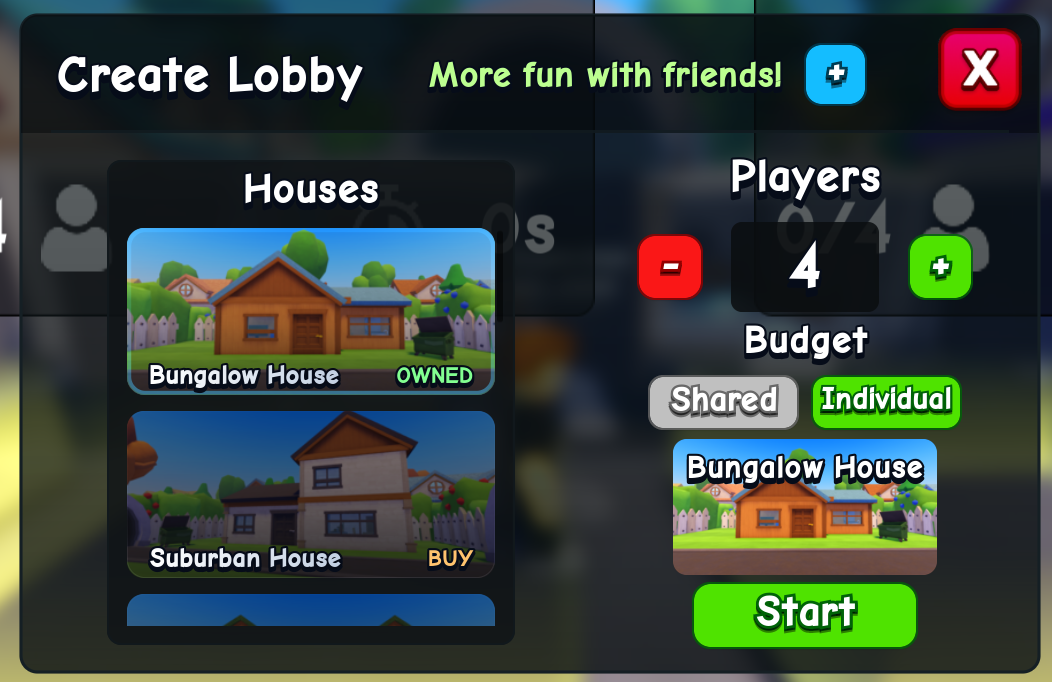
Flip a House is a Roblox renovation simulator by Increates House. The official description frames the loop as cleaning a dirty abandoned property, fixing it, filling it with furniture, selling it for money, then unlocking better gear and bigger houses.
The current official Roblox API snapshot checked September 23, 2026 shows about 11.6M visits, 82K+ favorites, 25 maximum players per server, and a latest metadata update on 2026-09-21T22:24:42Z. These are live platform numbers, so treat them as a dated snapshot rather than permanent game rules.
Your first flip route
- 1
Walk the whole house first so you know where trash, dirt, furniture requests and exits are.
- 2
Clear loose trash before surface cleaning; trash can block movement and makes the room harder to read.
- 3
Clean floors and visible grime room by room instead of jumping randomly between spots.
- 4
Furnish only after the core cleaning objective is stable; buying too early can hide what still needs work.
- 5
Sell when the job is good enough, then reinvest in tools so the second flip is faster than the first.
What to screenshot next
- Lobby UI with level, cash, buttons and any reward prompt visible.
- First house objective list before and after cleaning.
- Furniture purchase panel and delivery/placement UI.
- Buyer offer screen before accepting a sale.
- Equipment menu showing locked and unlocked tools.
Source standard
Official Roblox metadata and creator-owned descriptions take priority. Exact values remain marked unverified until they can be reproduced in the current public build.
Common questions
Flip a House FAQ
Is Flip a House free to play?
Yes. It is a free Roblox experience with optional purchases and in-game progression. Always confirm purchases inside Roblox before spending Robux.
Who made Flip a House?
The official Roblox listing credits Increates House as the creator and operator.
Where should new players start?
Start with the cleaning loop, then read the tools, houses and money guides once your first sale is complete.